
PRACTICAL MICROSOFT COPILOT WORKSHOPS
Understand Copilot and learn how to use it in your role.
Your team explores Copilot’s main capabilities through tasks relevant to its work. Learn how to choose the right way to use it, plan your steps, give clear instructions and check the results.
Two days face-to-face or four half-days live online. At least 60% of session time is spent using Copilot yourself.
By the end, your team can choose an appropriate Copilot capability, plan tasks and their steps, communicate clearly, keep Copilot aligned and decide what needs checking. Team members learn to recognise where the same method could help with other tasks.
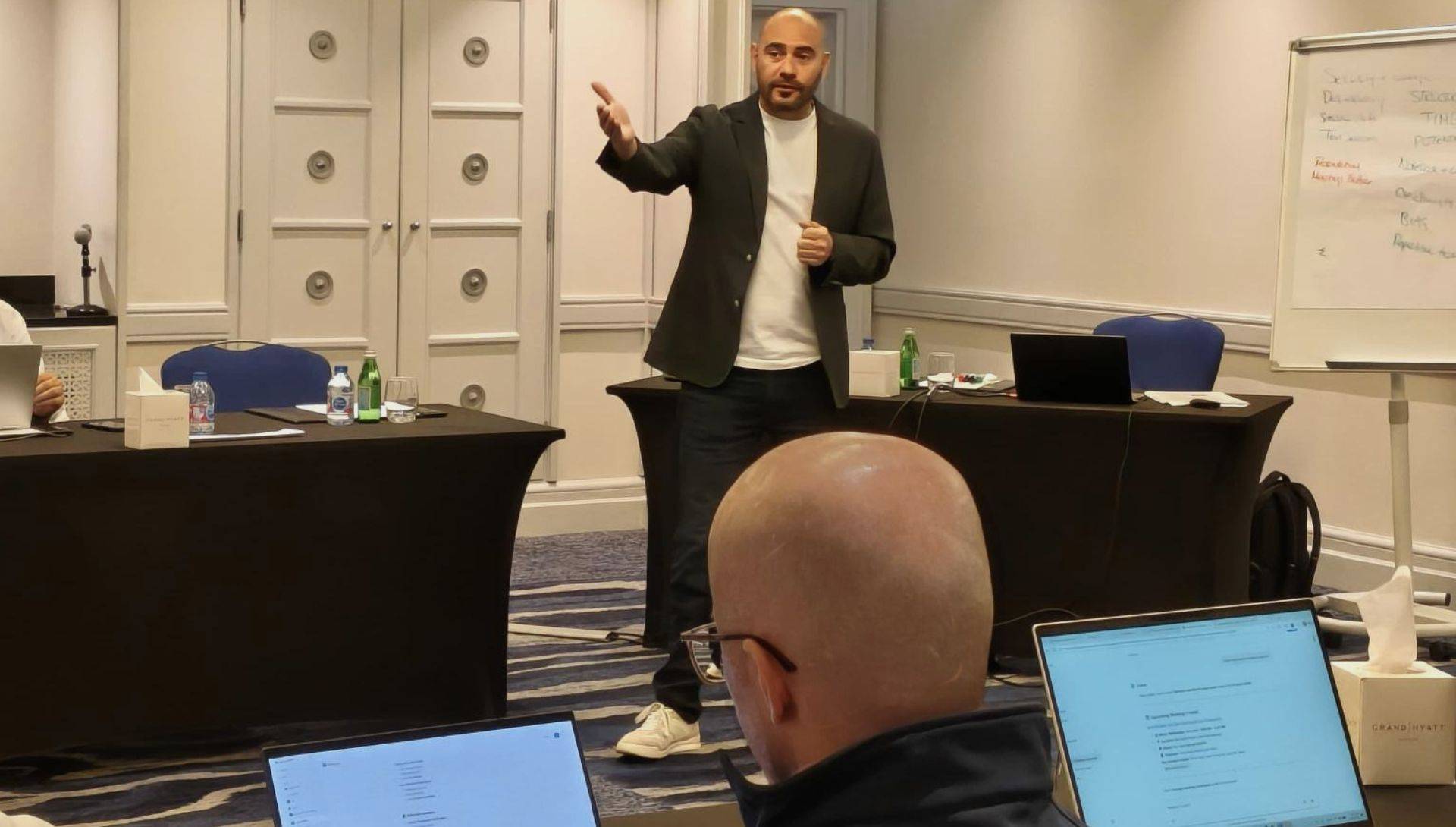
For teams preparing to use Copilot at work
These workshops suit organisations preparing for a rollout, assessing where Copilot could help, or giving structured learning to staff who already have access.
Your team leave with a method they can repeat and adapt to other tasks, with 30 days of portal access after the final workshop.
PREPARATION
Built around the people attending
We speak with the sponsor, collect team member questionnaires and analyse the roles, tasks and experience of the group. We then meet the sponsor to validate the findings and agree the focus.
For one team or department, the examples reflect their work. For mixed groups, we use varied examples relevant to the audience. Exercises take account of the licences, features and permissions available.
WAYS YOUR TEAM CAN USE COPILOT
Choose how to use Copilot for the task.
Copilot Chat
Work through a task in conversation, providing clear instructions and relevant sources, and checking the result against what you need.
Workspaces for recurring work
Explore how bringing relevant sources and instructions together can help you return to work you do regularly.
Agents for a defined purpose
Explore how a targeted agent can support a specific task or a team’s agreed way of working, using suitable instructions and knowledge sources.
HANDS-ON LEARNING
A way of working you can use again.
The facilitator explains and demonstrates each task. Your team practises, reviews the results and discusses how to apply the approach at work.
Direct · Explain the task and its steps
Define the result, sources and steps. Give clear instructions and decide where Copilot should pause for a check.
Review · Keep Copilot aligned
Compare the response with the task. Identify gaps, unsupported information or steps that have moved away from what you asked.
Refine · Improve the result
Ask for specific changes and work through the task in stages. Keep the result aligned as the conversation develops.
Check · Verify before using the work
Check facts, figures, completeness and suitability against the source material before using or sharing the result.
AFTER THE WORKSHOPS
Revisit the steps and apply them to your own work.
ILLUSTRATIVE WORKSHOP MATERIAL
Prepare a meeting follow-up
Source: Meeting notes and agreed actions.
- Find the actions. Ask Copilot to list the actions, owners and dates recorded in the notes.
- Draft the follow-up. Prepare a clear summary and action list for the team.
- Check before sharing. Compare names, dates and decisions with the notes. Flag missing details.
- A workshop pack with the main teachings and each learning experience set out step by step.
- Source materials, instructions, your own completed examples and checks to repeat at work.
- Portal lessons and downloadable resources to revisit the exercises and follow the approach on your own work.
Portal access continues for 30 days after the final workshop. Follow-up learning is supported through these materials for independent practice.
Need support as people apply the learning?
Our flagship Enablement Programme runs over four to eight weeks. It adds suggested practice between workshops, direct facilitator support through small-group clinics, task capture and organisational reporting.
Discuss Practical Copilot Workshops for your team.
Tell us about the people attending, their Copilot access and the work you want them to improve.
Discuss your team’s needs →