Help Your Team Get High-Quality Work Done Faster and More Consistently
Practical, non-technical Microsoft 365 Copilot and ChatGPT workshops built around the work your team completes every day.
Microsoft Copilot Training
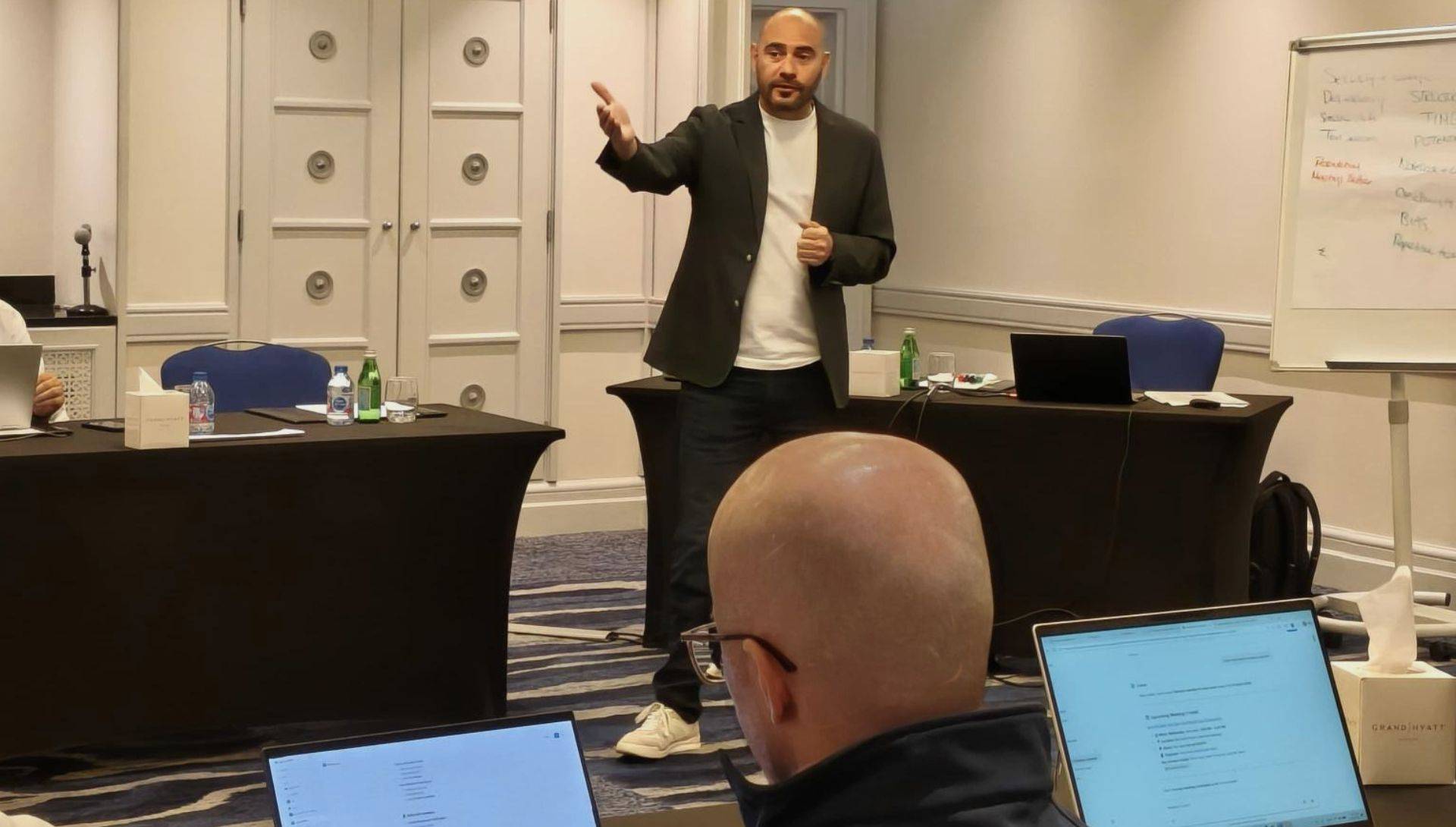
In-person training in Dubai, Abu Dhabi, Ras Al Khaimah and London
Live online training for teams across the UAE, GCC and UK
864+
Learners Supported
1,700+
Training & Enablement Hours
Since 2023
Practical Generative AI
Better Work From the AI Tools Your Team Uses
Many organisations are increasing access to Microsoft 365 Copilot, ChatGPT and other generative AI tools. The value comes from how people use them in their day-to-day work.
Awareness gives people a useful starting point. Capability develops when people apply AI to work they actually need to complete, review what it produces, improve the result and use that learning again.
Over time, this builds the understanding and confidence people need to use AI effectively across more of their work.
The goal is better work from the AI tools your team uses.
Choose the Right Starting Point for Your Team
We look at how people are using AI today, the work they complete and what you want them to be able to do better.
Awareness & Introduction
Practical learning for teams at an early stage of AI use or with mixed levels of experience with AI for work.
Participants learn how to use AI effectively for common work tasks and build a clear approach they can start applying to work.
For: Teams needing a practical starting point for using AI in their work.
Practical Workshops
Practical learning built around the work of a team, role or department, delivered over one or more sessions.
Participants apply AI to relevant tasks and build a repeatable approach they can use across similar and new work.
For: Teams needing role or department specific learning built around their work.
Enablement Programmes
Practical learning over multiple weeks, combining repeated sessions and use in-between sessions in work.
Participants develop broader capability, working across more varied tasks and applying AI with greater confidence and independence.
For: Teams building sustained capability across a wider range of work.
A Clear Way of Working
Koshima teaches participants a repeatable way of working with AI that they can apply across different tasks, roles and tools.
- Prepare the Task: Be clear about what needs to be achieved and what a good result should look like.
- Give the Right Information: Provide the documents, context and source information needed for the task.
- Give Clear Instructions: Explain what needs to be done and what the output should include.
- Work Through the Task: Break larger tasks into steps and develop the work through several interactions.
- Review the Result: Check accuracy, completeness, relevance and anything that needs to change.
- Improve the Result: Refine the work and make sure the final output is suitable for use.
Participants learn an approach they can continue using across similar and new tasks.
Built Around Your Team’s Work
Koshima builds learning around the work participants are responsible for and the way they need to use AI in their role.
Before delivery, we understand who is attending, how they use AI today and what they need to do better. We identify the relevant workplace tasks, turn them into practical learning exercises and adjust the delivery based on participants progress and support needs.
- Learning & Development: Develop learning plans, review training needs, prepare learning content and participant communications.
- Legal: Review draft agreements, compare clauses, identify changes and prepare clear internal summaries.
- Management: Prepare leadership and CEO updates, review performance information, identify risks, actions and decisions.
- Sales: Prepare for customer meetings, research accounts, develop proposals and create follow-up actions.
- Marketing: Develop campaign plans, create briefs, review competitor information and adapt content for different audiences.
- Operations & Procurement: Compare suppliers, review tenders, track actions and work through recurring operational tasks.
Microsoft 365 Copilot and ChatGPT Workshops
Koshima delivers workshops built around how each AI tool is actually used in the workplace.
Microsoft 365 Copilot Workshops
For organisations using Microsoft 365 and developing team capability with Copilot.
Participants learn how to use Copilot effectively across Microsoft 365, including Outlook, Teams, Word, PowerPoint and Copilot Chat, alongside Notebooks and agents.
They learn how to use Copilot to produce high-quality work faster and more consistently.
OpenAI ChatGPT Workshops
For organisations that have selected ChatGPT for their teams to use across different types of work.
Participants learn how to use ChatGPT effectively at work by providing clear context, instructions and source information, challenging responses, and using Projects and custom GPTs.
They learn how to use ChatGPT to get better work done faster and more consistently.
Workshop Delivery in the UAE, London and Live Online
Koshima delivers face-to-face workshops in Dubai, Abu Dhabi, Ras Al Khaimah and London, with live online delivery for teams across the UAE, GCC and UK.
At Your Offices
Dubai · Abu Dhabi · UAE · London
Workshops delivered at your offices
UAE Venue
Offsite workshop venues across the UAE
Arranged by Koshima
Live Online
Teams across the UAE, GCC and UK
Short live sessions delivered over time
What This Looks Like in Practice
Examples of how Koshima works across leadership, investment and operations.
Economic Development
Leadership Team
Microsoft Copilot was rolled out. Leaders needed to see where it could help their work and how to get the most out of it.
Problem: Email, meeting preparation, reporting, presentations and document review were taking time, and Copilot had not yet become a normal part of how leaders worked.
What we did: Before the workshops, we asked the leadership team where time was being lost and what they wanted AI to help with. We built the training from those answers and worked through those areas using Microsoft Copilot. Copilot has since become the organisation’s main AI productivity tool.
Investment Advisory
Investment Division
Paid market research was arriving every week, very little of it was being read and used to help investment decisions.
Problem: Reports from several market-data providers were collected in one email folder. There was valuable information in them, the volume meant very little of it was being used.
What we did: We built a Microsoft Copilot workflow that reads the reports, compares the latest information with earlier reports and prepares an internal market update. It now runs regularly and has brought additional information into investment discussions and investments being considered.
Events Business
Operations Team
Planning food and beverage for events meant searching through menus, emails and feedback from earlier events.
Problem: The team had useful information from earlier events, including menus, reports and customer feedback, but bringing it together for each new event took too long.
What we did: We focused the Copilot training on this one task. Microsoft Copilot brought the information together, pulled out the relevant food and beverage feedback and helped develop options for the next event. Operations now uses the workflow as a quick starting point when planning future events.
Practical Copilot & ChatGPT Articles
Short articles with practical ways to use Microsoft 365 Copilot and ChatGPT in everyday work.


Discuss Training for Your Team
If your organisation is using Microsoft 365 Copilot or ChatGPT, or preparing to introduce them, we can discuss what your team needs and the right place to start.
By submitting this form, you acknowledge our Privacy Policy
Get high-quality work done faster and more consistently.
AI consultancy and tailored Microsoft Copilot and ChatGPT enablement, built around your organisation’s work.
Explore our services ↓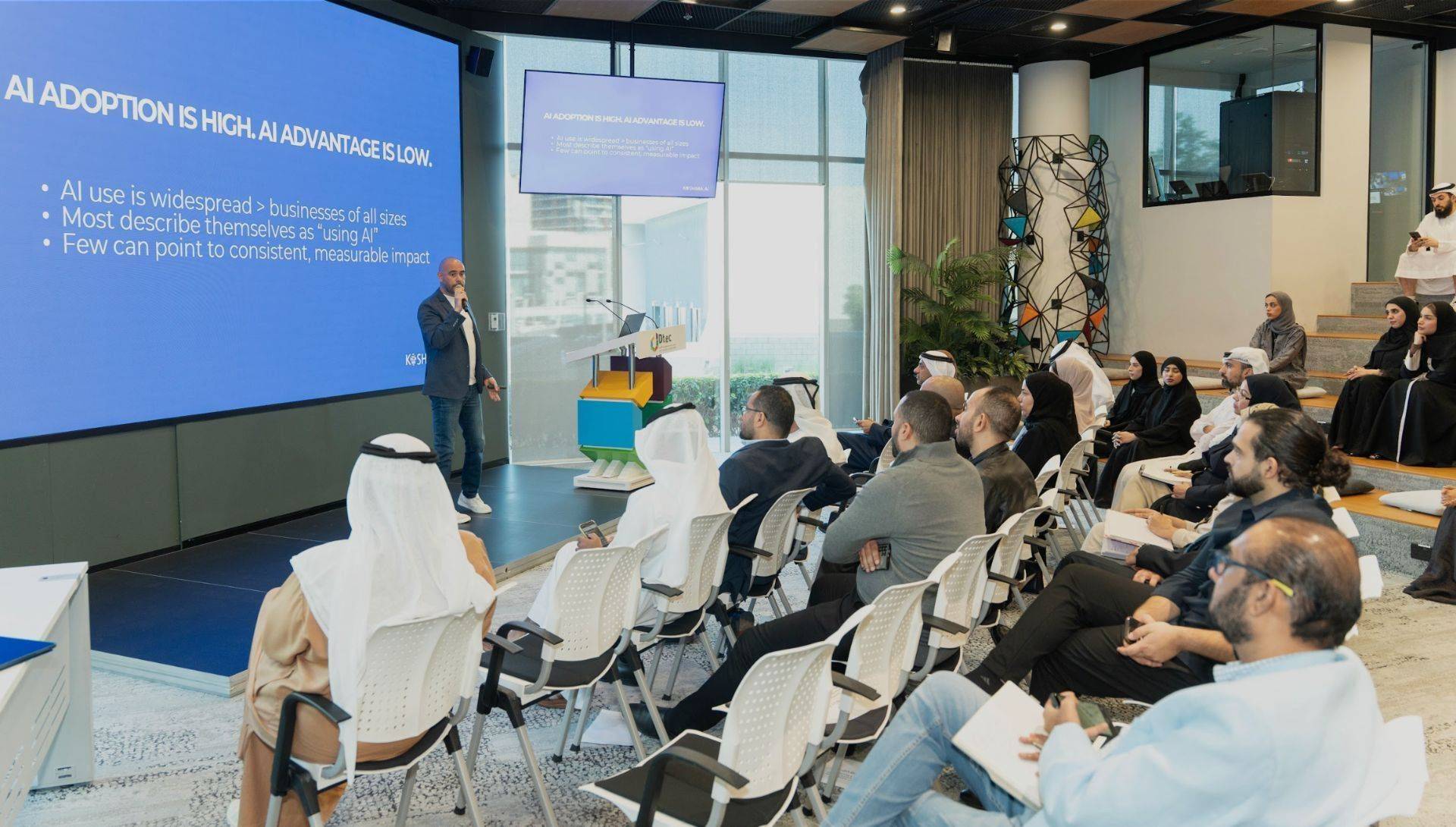
How we can help
Microsoft Copilot
Practical workshops and enablement built around the work your team completes in Microsoft 365.
ChatGPT
Practical workshops and enablement programmes that help your team use ChatGPT to prepare, review and improve the work they do.
AI Consultancy
Identify where AI can improve business processes and build a clear roadmap for what to do first.
OUR WORK IN PRACTICE
From understanding the work to improving how it gets done.
Our work combines practical enablement with consultancy on where AI could help. These examples show what that involves.
PUBLIC SECTOR · COPILOT ENABLEMENT
RFP preparation: 1½ weeks to 3 days.
A procurement team brought together requirements from Finance, Legal and the requesting team to prepare an RFP pack. The change was measured in elapsed time.
AVIATION AND PUBLIC SECTOR · CONSULTANCY
Document the problem before deciding what to change.
We examined procurement communication and a process that depended on a small team’s undocumented knowledge. The work produced reports setting out the problems, proposed improvements and next steps.
OUR APPROACH
Built around the work you do.
We understand your team’s tasks, then build practical learning around them. People apply what they learn to their own work, with support to turn new skills into everyday habits.
Understand the work
Start with your team’s tasks, challenges and priorities.
Learn by doing
Practise with examples that reflect the work your people do.
Put it into practice
Build confidence through application, coaching and feedback.
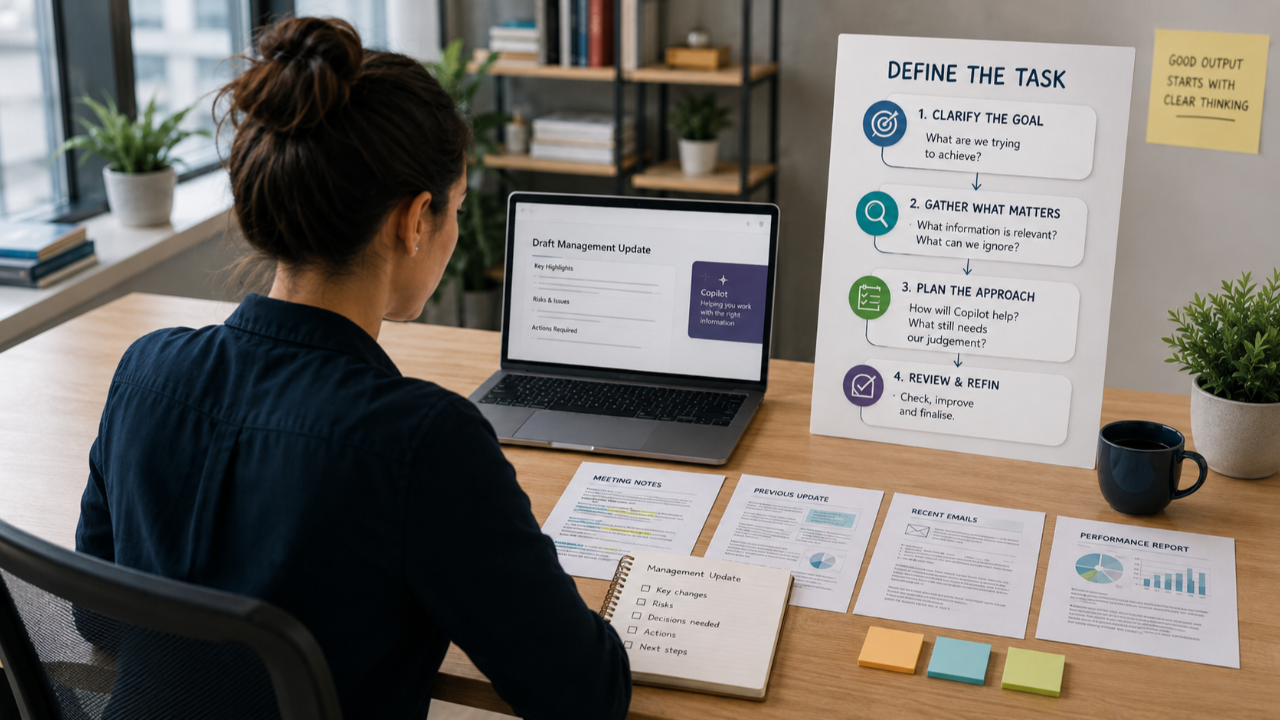
FEATURED ARTICLE
Why Microsoft 365 Copilot training should be built around real work
Relevant tasks, hands-on practice and a clear way of working help your team apply what they learn. See why a demonstration of the tool is only the beginning.
USEFUL RESOURCES
A practical place to start.
Guides to help you plan your work and make better use of AI.
PRACTICAL GUIDE
Plan the task before you prompt.
A task-planning guide to help you clarify the outcome, context and information you need.
Download to be added
TOOL COMPARISON
Choose the right Copilot experience.
A clear comparison of Copilot Chat, workspaces and agents, with examples of when to use each.
Planned resource
Where could AI make a difference in your organisation?
Tell us about the work you want to improve. We can help you identify a practical next step.