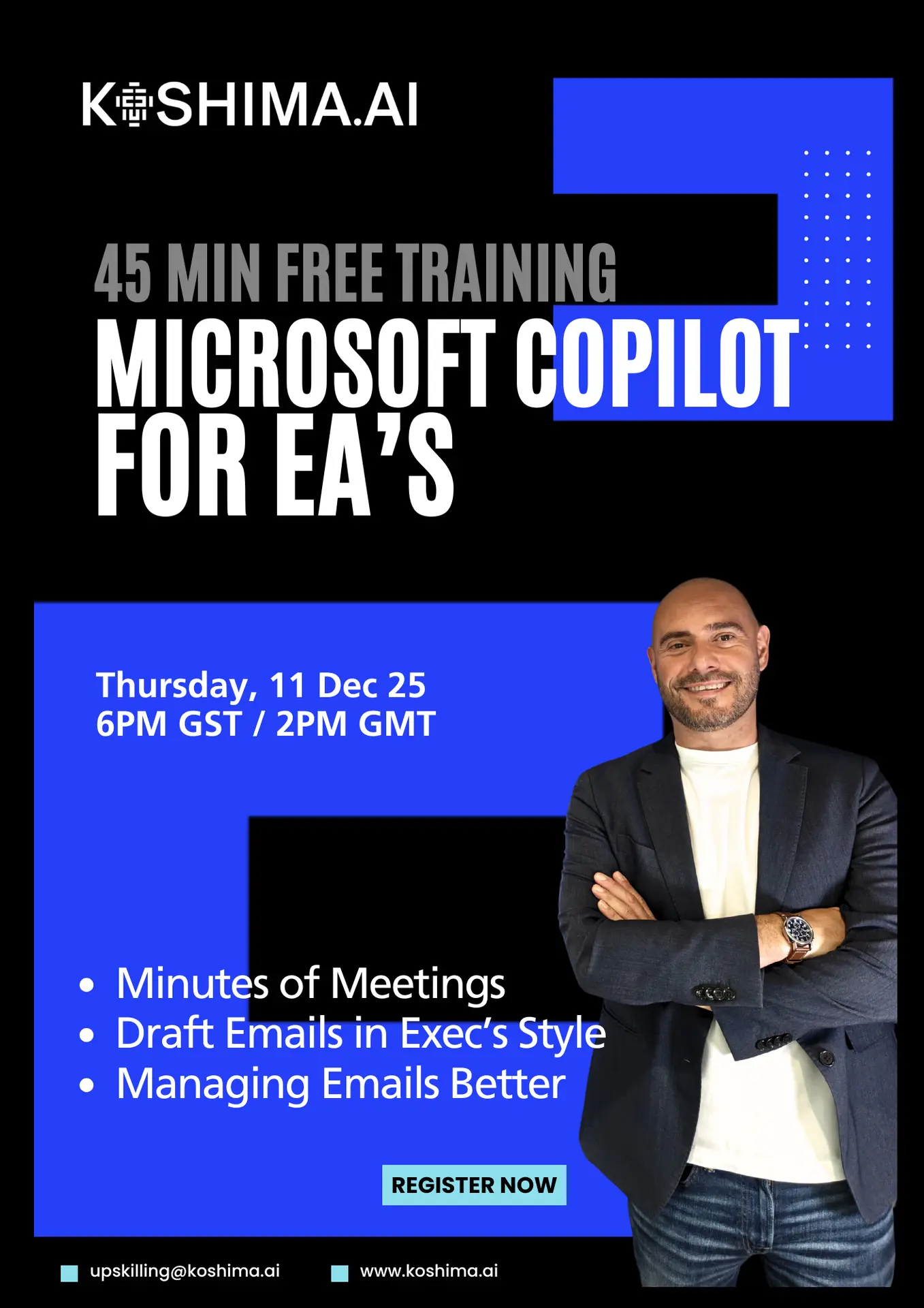
Microsoft Copilot for EAs
Free Live Training
Live 45-minute walkthrough showing how to use Copilot in EA's tasks
Email Management
Manage emails using Microsoft Copilot, identfy the urgent ones and use Copilot to understand the email history, requests, actions and suggest replies that work.
Automate Minutes of Meetings
Use Copilot to automate creating minutes of meetings in the format and leve of detail that you need, the same approach every time automated using Copilot
Draft Emails in Your Executives Writing Style
Teach Copilot your executives writing style, the words they use and dont use and get Copilot to draft emails, replies and requests in the right writing style.
You’ve been given Copilot, now see what it can really do.
Most EAs that were handed a Microsoft 365 Copilot license and told to “explore" with little training or examples.
This live session helps fix that.
Join Carlo Pepe, AI Business Consultant and co-founder of Koshima.ai. This is a hands-on, 45-minute walkthrough designed for Executive Assistants.
You’ll learn how to work more efficiently and confidently in your everyday tasks & admin.
Who it’s for?
- Executive Assistants supporting senior Execs
- Personal Assistants to managers
- Assistants supporting sales, strategy and leadership teams
Why it’s worth your 45 minutes.
- Real examples from everyday EA work
- Zero technical jargon
- Free execrise guide for every EA attending
Event Details
📅 Thursday, 11 December 2025
🕕 6 PM GST | 2PM GMT | 45 minutes
📍 Live on Microsoft Teams
Ready to Work Smarter?
Secure your seat now and transform how you go throguht your daily exec tasks with Copilot.
Spaces are limited. Terms apply.